Remove Object from Image Online Instantly with AI
Use this AI object remover online to remove object from image files, delete unwanted people or items, and restore clean backgrounds with manual mask precision.
Supports JPG, PNG, WEBP
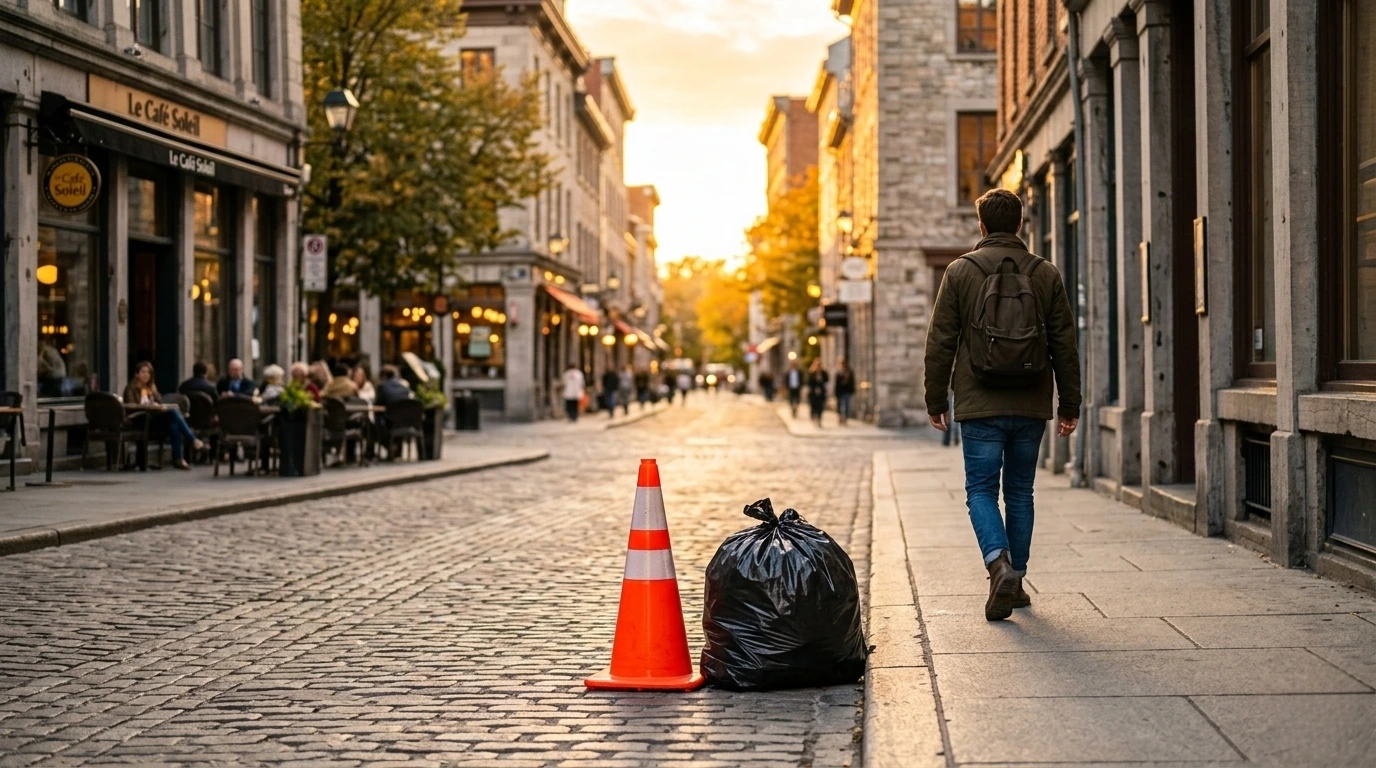
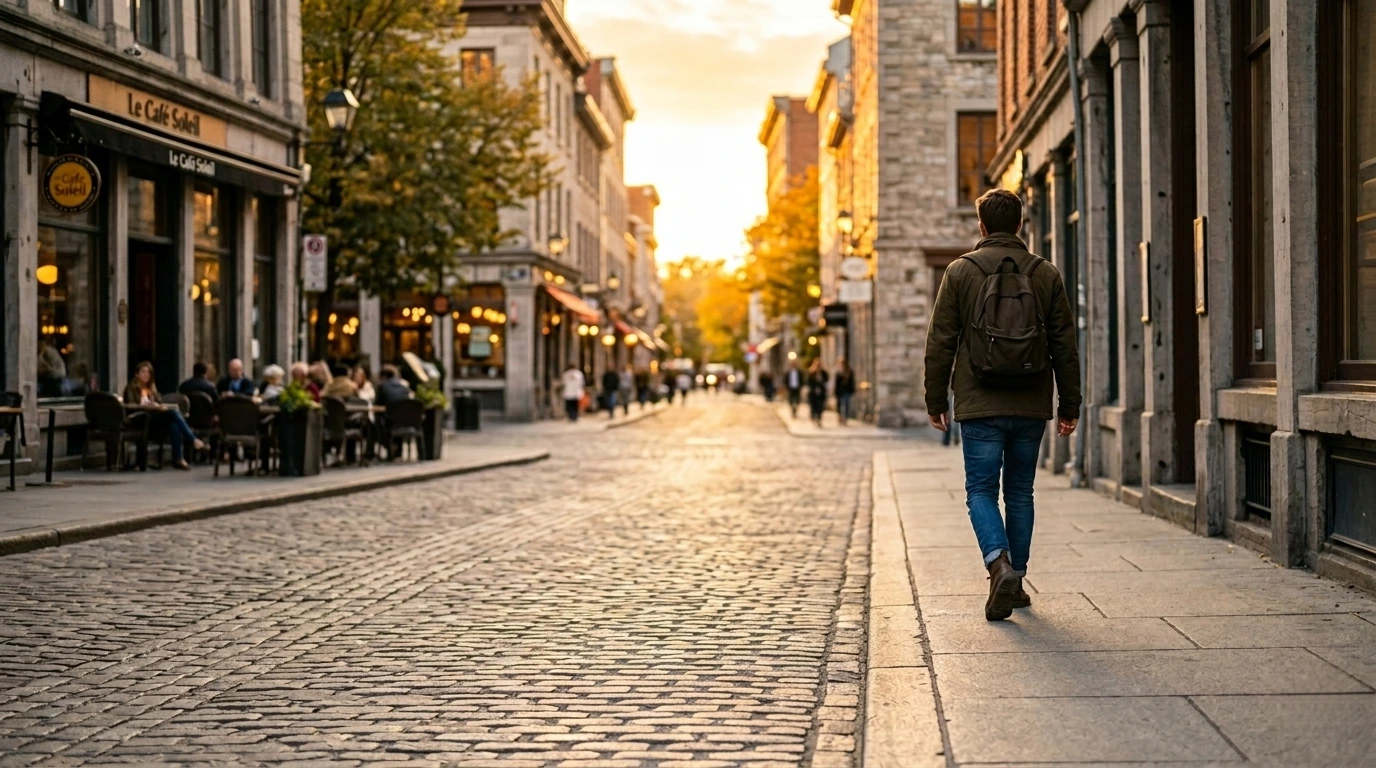
Before and After Removing Objects from Photos
Drag to compare original and cleaned output. This helps you quickly validate object remover online quality.
Common Ways to Remove Objects from Photos
Common high-impact use cases for object remover online workflows.
Remove unwanted people from photos
Delete bystanders or accidental passers-by from travel, street, and event photos.
Remove products, cables, and props
Clean catalog photos by removing cables, labels, holders, and staging accessories.
Remove logos, stickers, and labels
Erase brand stickers, corner marks, and distracting overlays from marketing assets.
Clean social media and ad creatives
Remove unwanted objects in banner-style visuals before localization and resizing.
Why This AI Object Remover Works
Designed for production speed with practical quality control.
Paint the exact object area first so cleanup stays focused on what you actually want removed.
Add or remove mask areas with pixel-level control for hard object boundaries.
Fill removed regions using nearby texture so cleaned areas blend naturally.
Download cleaned results in PNG, JPG, or WEBP directly from the editor.
More Cleanup Tools
Open adjacent tools for watermark, text, and background workflows from one place.
Logo Remover
Remove corner logos, brand badges, and embedded marks from owned images.
Watermark Remover
Remove logo overlays and repeated watermark marks with auto-detect plus refine.
AI Text Remover
Auto detect text regions and apply inpainting cleanup for captions and labels.
Erase Text from Image
Handle erase/delete/remove text intents from one focused workflow page.
Remove Background from Image
Automatically segment the subject and remove background in one click.
Remove Object from Images: Practical Guide
A practical object remover online workflow has two stages: define the object mask and reconstruct the missing area. If either stage is weak, the result looks artificial. This page focuses on helping users remove object from image and remove unwanted object from photo files while preserving background texture.
When users search for remove object from image, they usually need predictable results under deadline pressure. That means the tool must be quick for simple tasks and flexible for hard scenes. The editor linked from this page is designed around that balance. You work directly with brush and eraser so you can define exact removal regions for difficult edges, reflections, or overlapping textures.
Many object removal failures come from mask boundaries that are either too tight or too broad. A tight mask leaves fragments behind; an oversized mask damages nearby detail. This workflow reduces that risk by letting you inspect and edit the mask before reapplying inpainting. It is especially useful in ecommerce images, social ads, and product storytelling visuals where small artifacts can reduce perceived quality.
For teams, a consistent object remover online flow is as important as absolute image quality. Consistency lowers QA time and reduces repeated edits across designers, marketers, and operations staff. Upload, detect, refine, apply, export is easy to standardize. Once people follow the same sequence, quality becomes more predictable and turnaround improves across batches.
If you need to remove object from image assets at scale, keep mask painting short and targeted. Work in small passes, apply cleanup, then refine only where needed. This sequence keeps output stable while minimizing rework.
FAQ
How to remove object from image online?
Upload your image, paint the exact area you want to remove, and apply cleanup. Then refine mask edges with brush or eraser for cleaner final output.
What objects can I remove from photos?
You can remove people, products, stickers, cables, and other visual distractions as long as you can paint the target mask area.
Can AI remove unwanted people from background?
Yes. You can remove background people by painting them as mask targets, then applying cleanup. For complex edges, refine the mask and re-apply.
How do I improve object removal edge quality?
Use smaller brush size near boundaries, erase overreach, then re-apply cleanup in short passes instead of one large mask.
Does object remover online work on screenshots?
Yes. You can upload screenshots the same way as photos, then paint and remove object regions manually.